Restarting
the Assessment Process:
The
assessment process can be resumed by first starting the IM EVAL Icon. This can be found by pressing the Windows
START, Programs, IEG IME (or whatever you might have named the folder during
the installation process), IMEVAL ICON.
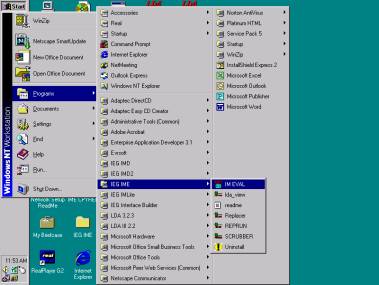
An
alternative startup would be to access the IEG IME installation folder opened
as illustrated below. Selecting the IM
EVAL Icon will open a run time session.
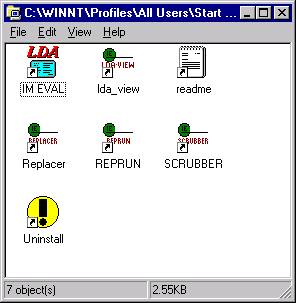
Once the run time session
has started, the next step is to press the “RESUME” button along to top of the
form.

Next
press the “Resume or Begin Load” button to restart the IEG batch report
process.
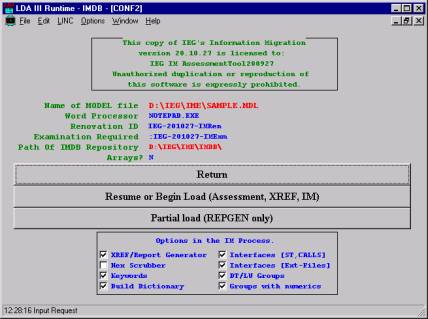
Press
the “OK” to now begin the process.
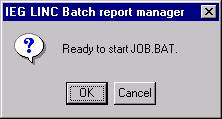
The
assessment process will automatically determine where it was when it was last
closed down. The process will continue through
the completion of the assessment.
ã
Copyrighted 1995-2008 Information Exchange Group, Inc.